Adding Packages to WHM
< 1 min read
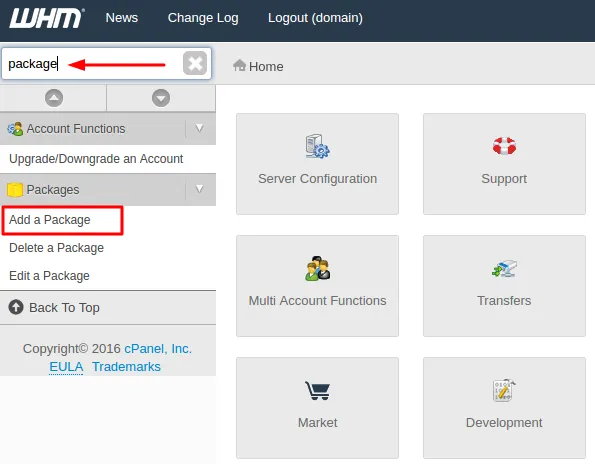
- When you are logged in you should see a list of available tools with a search bar at the top left side of your screen. Fill the search box with term package and you should now see the Add a Package option appear. Click Add a Package.
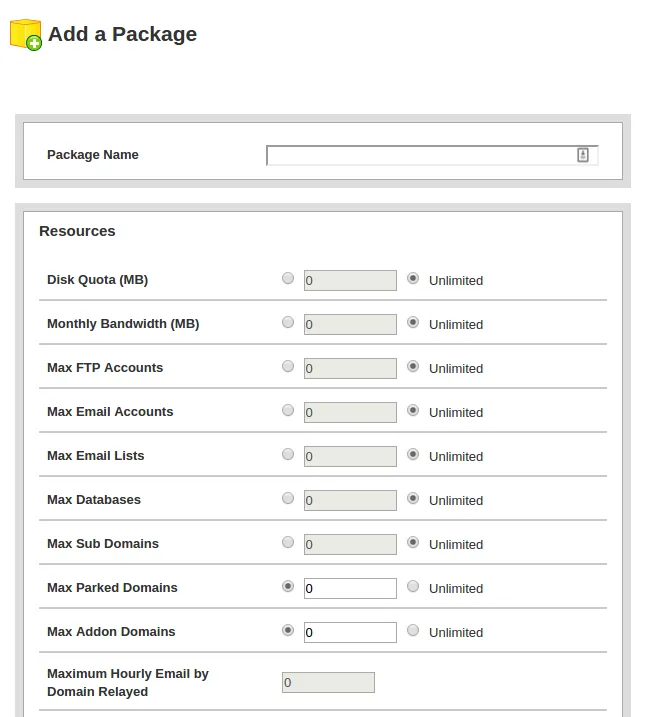
- You will now see a page where you can set the limits, options of this particular hosting package.
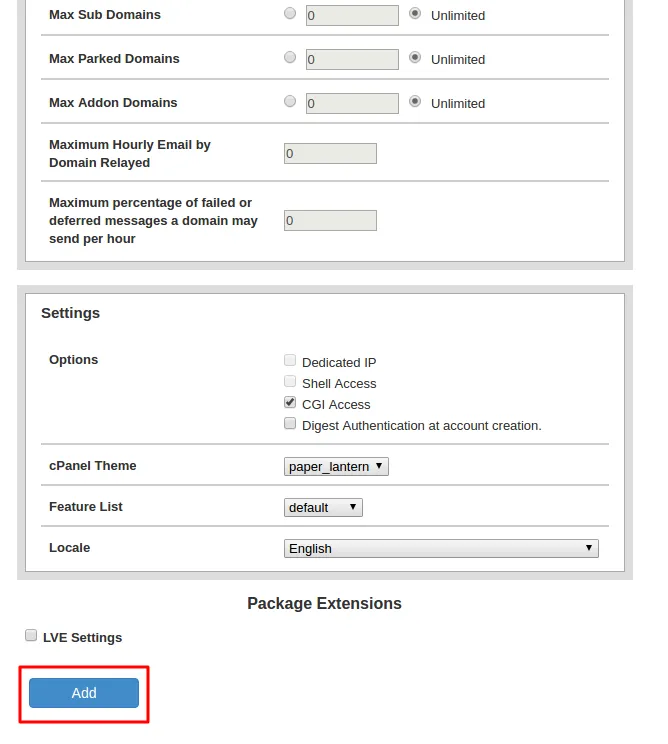
- Once you have everything set as you want, scroll down to the bottom of the page and click Add.
- If the package was created successfully you should see a Success message at the bottom right corner of your screen.